Smart TV
Have your brand, model number and operating system ready. Confirm that the recommended player is available for that model.
Ask about compatibilityExplore Max OTT apps and device setup guidance. The right player depends on your screen and activation method; check compatibility before installing.
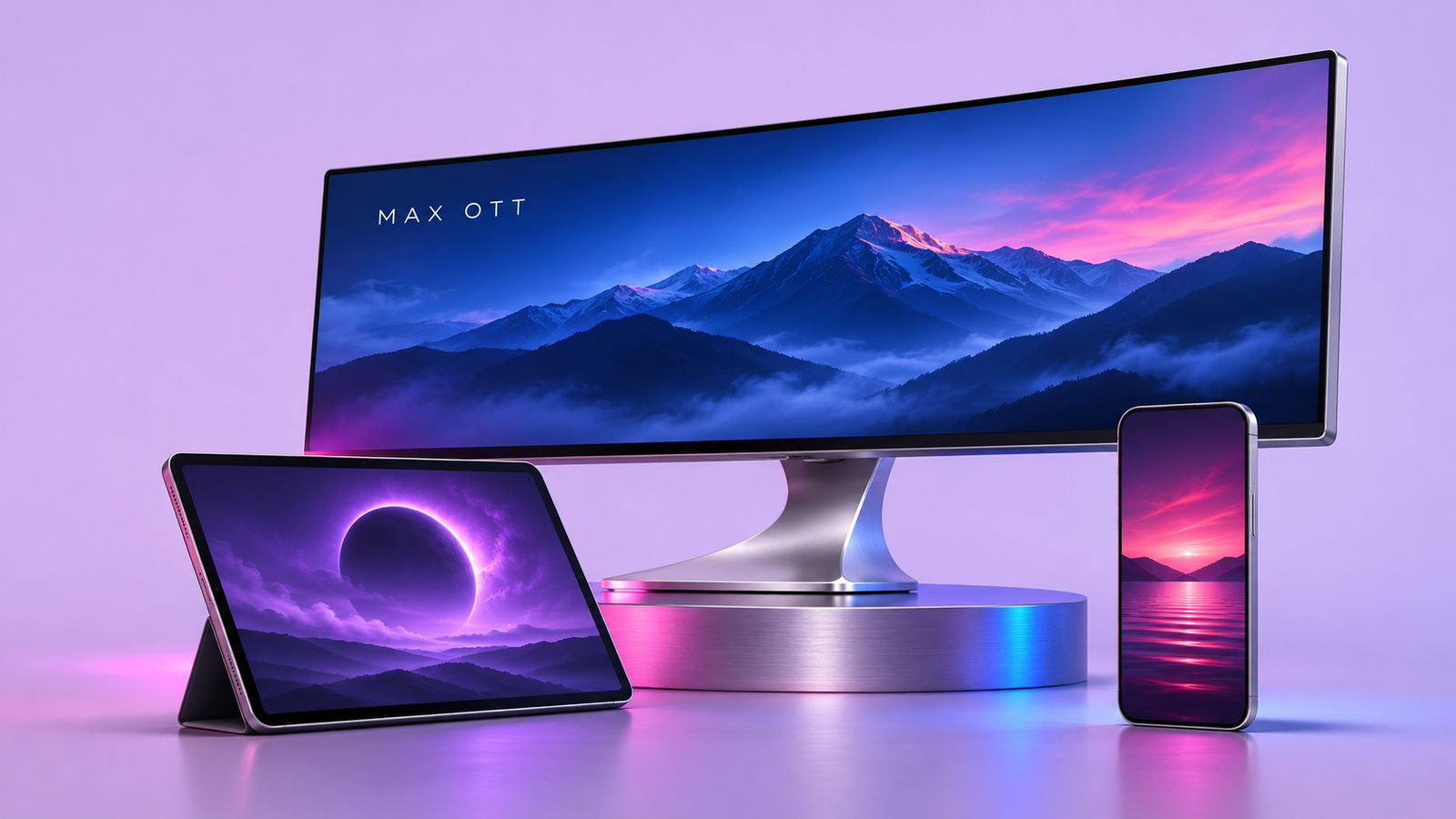
Start with the screen. Get the setup right.
Have your brand, model number and operating system ready. Confirm that the recommended player is available for that model.
Ask about compatibilityTell us whether you use Android TV, an Android box or a mobile device. App versions and installation steps can differ.
Ask about compatibilityCheck your Fire TV model and software version. Confirm the installation source and activation method before proceeding.
Ask about compatibilityShare your operating system and intended player. Customer playback setup differs from logging into the reseller dashboard.
Ask about compatibilityExplore the Max OTT reseller offer, understand your credits and choose a package that fits.
Explore credit packages